Custom themes, WooCommerce stores and the kind of maintenance that means you never hear the phrase "the site is down" on a Friday afternoon. Most of what we build runs on this stack.
WordPress is not slow, insecure or fragile. Sites become those things when twenty-eight plugins are installed to avoid writing any code, and nobody updates them for two years.
We build the functionality into the theme where it belongs, keep the plugin count low and deliberate, and document what each one is for.
From a five-page brochure site to a WooCommerce catalogue with thousands of SKUs and a compliance layer.
Built from scratch against your design, not a ThemeForest purchase reskinned. Fast, clean and free of the settings panels nobody uses.
Catalogue architecture, variable products, tax and shipping logic, payment gateways, and a checkout that survives on mobile.
From Wix, Squarespace, Shopify or an ageing custom build, with URLs and search rankings carried across intact.
Core Web Vitals work at the source: query optimisation, asset handling, caching strategy and object caching, not just a plugin install.
Least-privilege users, file permissions, WAF rules, login protection and automated offsite backups you can actually restore from.
Structured content modelled properly with ACF so your team edits real fields instead of fighting a wall of shortcodes.
CRM, ERP, booking systems, payment providers and third-party feeds connected through the REST API rather than a nightly export.
WPML or Polylang set up so translated pages are indexable, hreflang is right and the admin stays manageable for your team.
Staged updates, uptime monitoring, monthly reporting and a person who answers when something breaks.
How A Build Runs
A typical WordPress build runs four to eight weeks. WooCommerce with a large catalogue takes longer, and we say so at quote stage rather than at week six.
Start With a CallWe map content, functionality and the way your team will actually maintain the site before anyone opens a design tool.
Wireframes then full design of the templates that matter, approved on mobile before a line of code is written.
A custom theme with editable blocks, custom post types and fields, built so your team can publish without breaking layout.
For WooCommerce: products, variations, tax, shipping and payments. Then whatever has to talk to whatever else.
Cross-device QA, real test transactions, then the security and performance pass before anyone sees it.
We migrate, redirect, verify and stay close for the first month. Then you get documentation and training.
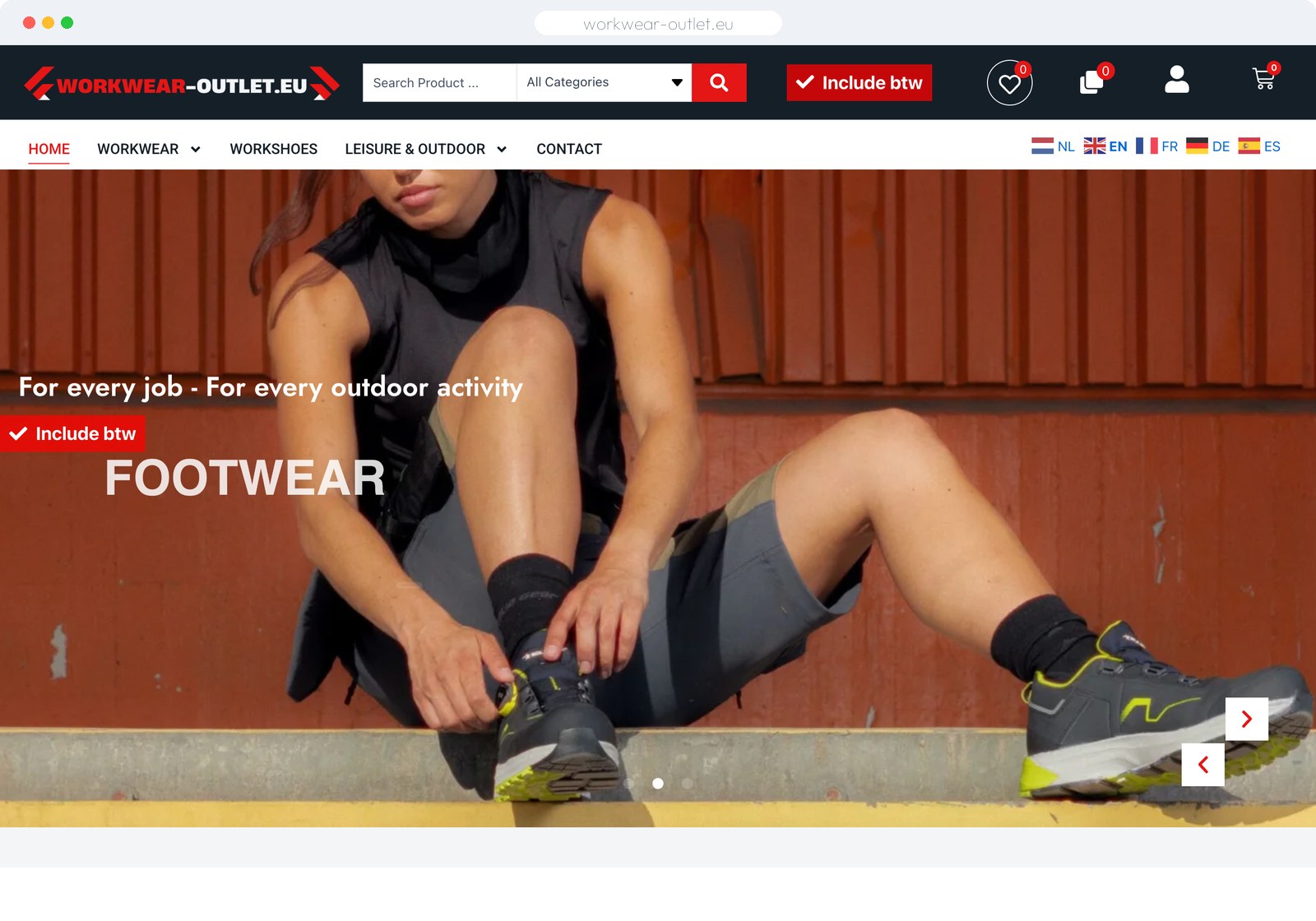
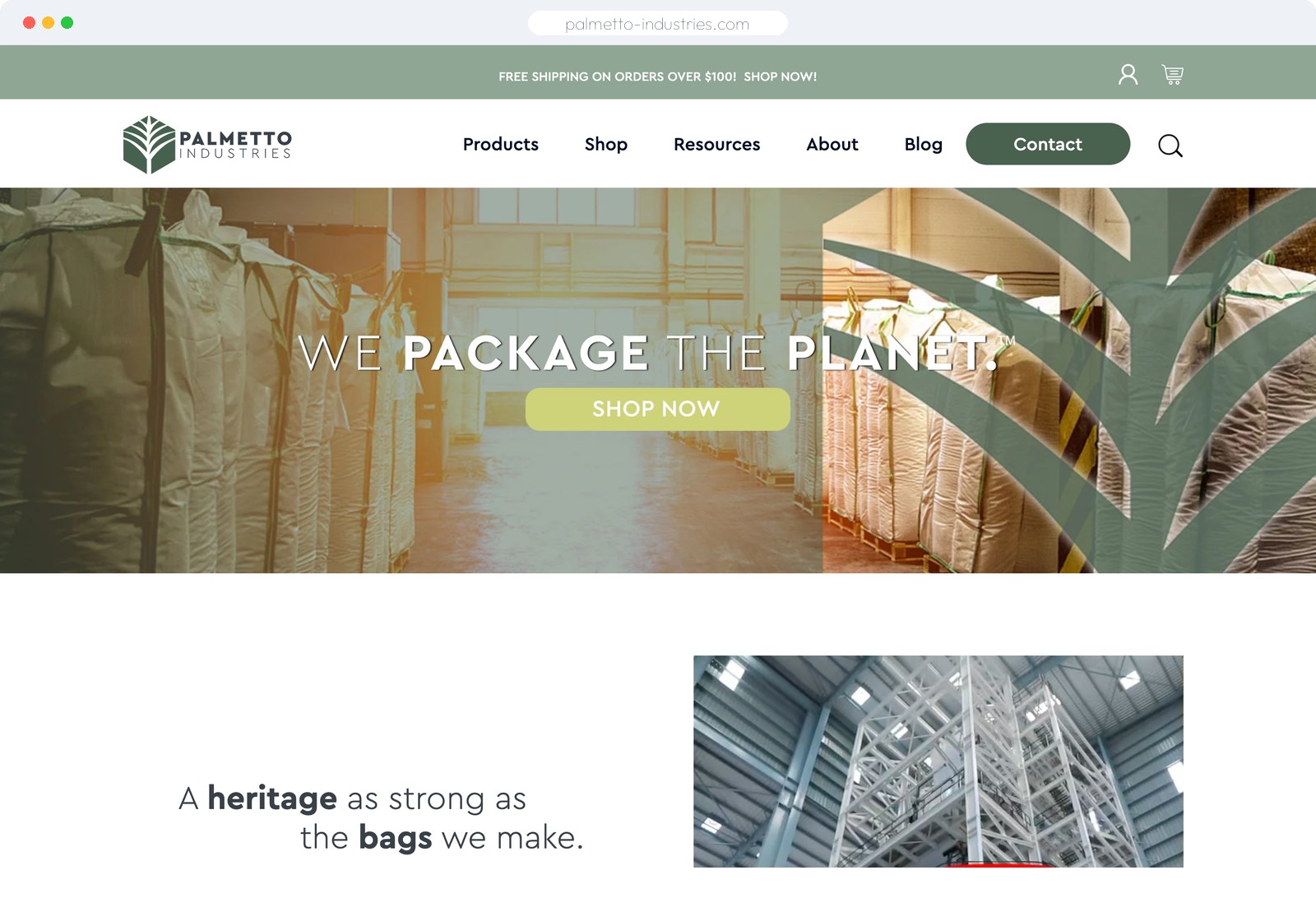
Live WooCommerce builds across very different categories. Open them and see how they hold up.
We build on both, so we have no reason to push you either way. This is what we tell clients on the call.
Chosen because they are maintainable in three years, not because they are fashionable this quarter.
Structured content with Advanced Custom Fields and block patterns, so editors get real fields rather than a blank canvas.
Subscriptions, bookings, memberships and B2B pricing built on the official extension set where it exists.
Object caching, a CDN and hosting matched to the workload. We will tell you when your host is the actual problem.
Hardening, WAF rules, login protection and offsite backups that get restore-tested rather than assumed.
A staging site and Git history, so changes are reviewed before they reach the people who buy from you.
GA4, server-side tagging and eCommerce events set up so revenue reporting reconciles with what Woo actually recorded.
Each begins with a call and a fixed, itemised quote.
A custom theme and site built around your content and the way your team works.
A full store: catalogue, variations, payments, shipping, tax and the integrations behind them.
For sites that already exist. Updates handled on staging first, and someone who answers when it matters.
If your question is not here, ask on the call. We will tell you when WordPress is the wrong answer.
Ask Us DirectlyYes, when it is maintained. Almost every WordPress site that gets compromised was running an outdated plugin or a weak admin password. The platform is not the weak point; neglect is. That is exactly what a care plan covers.
For a simple brochure site, that can be a reasonable start. The problems appear later: builder markup is heavy, it slows the site down, and you end up locked into a tool that owns your content structure. We use Elementor where it genuinely helps and write code where it does not.
As few as the job allows, and each one documented with a reason. Most sites we take over have around thirty; most sites we build have under ten. Every plugin is a dependency that can break on update.
Usually. We audit it first and tell you honestly whether it is worth repairing or rebuilding. Sometimes the existing build is fine and just needs maintenance; sometimes patching it costs more over two years than starting again.
That is a design decision we make deliberately. Content gets real editable fields; layout stays locked so nobody accidentally breaks the page. You get a training session and written documentation at handover.
You keep everything. Your hosting, your domain, your code, your database. No licences tied to our account, no proprietary framework you cannot maintain elsewhere. We hand over documentation and credentials.
We will recommend and configure it, and we will tell you plainly when your current host is the reason the site is slow. Whether you buy hosting through us or directly is your call.
On a staging copy first, with a backup taken before anything runs. If something breaks, we roll back and investigate there instead of on your live store during business hours.
Yes, with the right architecture and hosting. Thousands of SKUs is routine. Where it struggles is when it is run on cheap shared hosting with no object caching, which is a setup problem rather than a platform limit.
Four to eight weeks for most sites. WooCommerce with a large catalogue or complex integrations takes longer, and you get a date at quote stage.
Book a free call. Bring your current site and we will tell you what we would fix, rebuild or leave alone.